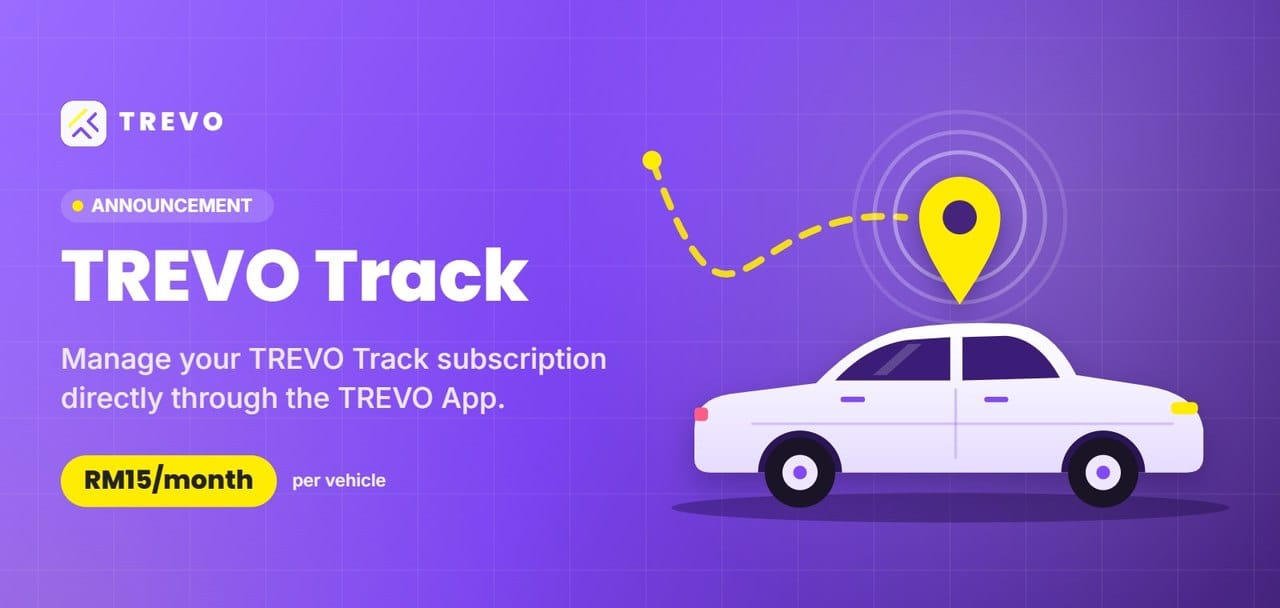
A new way for TREVO Hosts to manage GPS subscriptions through the TREVO App.
TREVO Team · TREVO Track ·
We’ve introduced a new subscription process for TREVO Track, giving hosts a convenient way to manage recurring GPS payments directly through the TREVO App.
Instead of manual GPS fee deductions from booking payouts, applicable monthly subscription charges will be billed automatically to your registered payment method.
RM15/monthGPS subscription per vehicle
Automatic BillingCharged on the 1st of every month
Easy ManagementSubscribe directly through the TREVO App
How to subscribe
Seven quick steps in the TREVO App. Tap any screen to enlarge.
Step 4Review the subscription details and tap Subscribe.
5
Step 5After tapping Subscribe, complete the Link checkout verification using your phone number and follow the on-screen instructions.
6
Step 6Return to Subscription → My Subscriptions. Your TREVO Track – Host GPS Subscription should show ACTIVE once successfully subscribed.
7
Step 7Tap your active subscription to see the vehicle, amount, start date, next renewal, payment history and receipt.
Frequently asked questions
Who needs to subscribe?
New and existing GPS hosts must subscribe through the TREVO App.
Will existing hosts be migrated automatically?
No. Hosts must complete the subscription setup themselves.
How much is the subscription?
RM15 per month per vehicle, subject to applicable plan benefits.
Is there a GPS deposit for new hosts?
A RM180 GPS deposit applies to new hosts requiring a GPS installation. Please refer to the TREVO App for the latest payment details.
Do existing GPS hosts need to pay a new deposit?
No. Existing TREVO GPS hosts who have already paid the RM180 refundable deposit do not need to pay again. The RM180 refundable deposit applies only to new hosts subscribing to TREVO GPS for the first time.
How do I cancel my GPS subscription?
Open the TREVO App, go to Account → Subscriptions → My Subscriptions, expand your TREVO Track – Host GPS Subscription, then tap CANCEL SUBSCRIPTION. Review the confirmation prompt and select YES, CANCEL to confirm, or NO, KEEP IT to retain your subscription. For assistance, use Help or Contact Us under Account.
Cancellation confirmationSelect YES, CANCEL only if you want to proceed.
How do I return my TREVO Track GPS and request a refund?
For GPS return and refund requests, open the TREVO Track GPS request form and select “No, I want to return and get a refund.” You may also contact TREVO Live Chat for help. If the form is unavailable, contact Live Chat before shipping.
1. Photograph the device: Take a clear photo of your GPS tracker showing the IMEI/ID on its body. Keep a copy for reference. 2. Pack securely: Place the device in a suitable box for shipping. 3. Courier your GPS to the TREVO office: TREVO Level 8, Menara Manulife 6, Jalan Gelenggang, Bukit Damansara 50490 Kuala Lumpur, Wilayah Persekutuan Kuala Lumpur Attn: Ms. Jacklyn Phone: 011-3168 5876 4. Submit proof: After shipping, complete the same TREVO Track GPS request form and upload your device photo and courier tracking ID or receipt.
Important: Please ensure you have installed your own GPS tracker in your vehicle. Allow 10–14 working days for refund processing. Contact TREVO Live Chat if you need help.
How do I send my GPS for battery replacement or reactivation?
For GPS battery replacement or reactivation, open the same TREVO Track GPS request form and select “Yes, I still want to use it and would like to reactivate my GPS.” You may also contact TREVO Live Chat for help. If the form is unavailable, contact Live Chat before shipping.
1. Photograph the device: Take a clear photo showing the GPS tracker and its IMEI/ID; keep a copy. 2. Pack securely: Use a proper box for delivery. 3. Courier to CSE Telematics: CSE Telematics Sdn. Bhd. PAT SQUARE, CSE Building Jalan Pelukis U1/46, Glenmarie 40150 Shah Alam, Selangor Attn: Ms. Alya / TREVO Phone: 03-5569 4200 4. Submit proof: Complete the same TREVO Track GPS request form and upload your GPS photo and tracking ID or shipping receipt.
Important: Turn off your vehicle availability for one week during this process. If you have your own GPS tracker installed, you may continue accepting bookings. Allow 5–10 working days for battery replacement and firmware updates, after which the device will be couriered back to you.
When will the subscription be charged?
Automated monthly billing is scheduled for the 1st of each month.
What happens if my payment fails?
The system will retry payment and notify the host. Continued non-payment may lead to listing restrictions under the applicable policy.
What happens if I do not complete the subscription?
Listings may be rejected or unpublished after the approved transition or enforcement period.
Set up your TREVO Track subscription
Open the TREVO App and go to Account → Subscriptions → Hosts to get started.
 TREVO
TREVO